

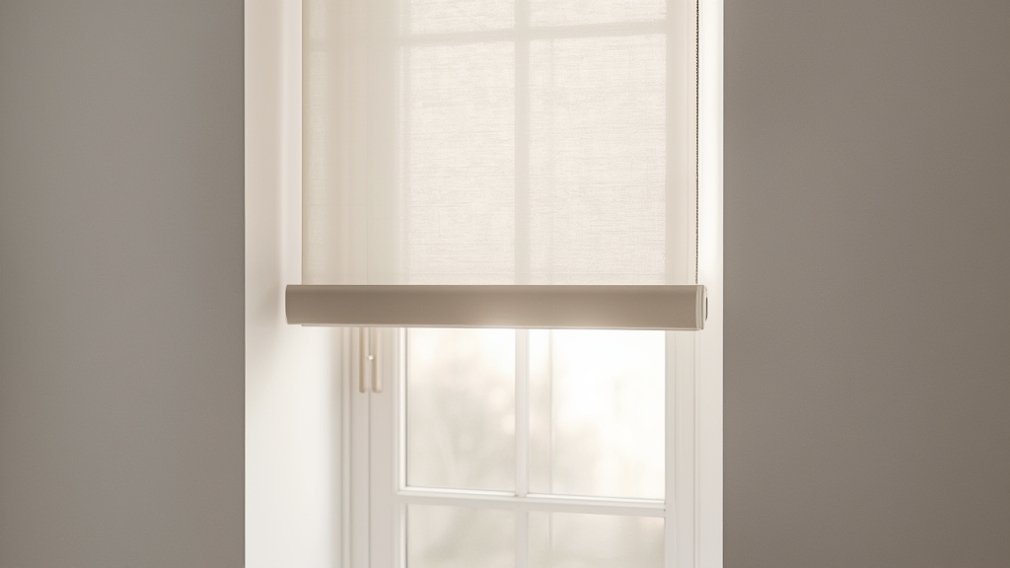
Smart window blinds are changing the way homeowners control light, privacy, and energy use in modern living spaces. With the ability to automate, connect, and customize window treatments from anywhere, these devices are rapidly becoming a top choice for anyone upgrading their home. This guide gives you a realistic, step-by-step approach to choosing, installing, and troubleshooting smart window blinds so your investment returns comfort and convenience without surprises.
Key Takeaways
- Smart window blinds save time, energy, and add seamless privacy—if you choose the right type for your home and needs.
- Common issues include connectivity problems, integration gaps, and safety concerns, particularly for families with young kids.
- Making reliable choices upfront—considering brand, features, compatibility, and support—minimizes headaches down the road.
- What Are Smart Window Blinds and Why Use Them?
- How to Choose and Install Smart Window Blinds
- Advanced Analysis and Common Pitfalls
- Conclusion
- FAQ: Smart Window Blinds
What Are Smart Window Blinds and Why Use Them?
Smart window blinds are automated window coverings that can be controlled via a smartphone app, remote control, or even by voice using smart assistants like Google Home or Alexa. Unlike regular blinds, these systems let you set schedules, react to sunlight, and integrate with other smart devices—for example syncing with alarms or lighting systems for better home comfort and security.
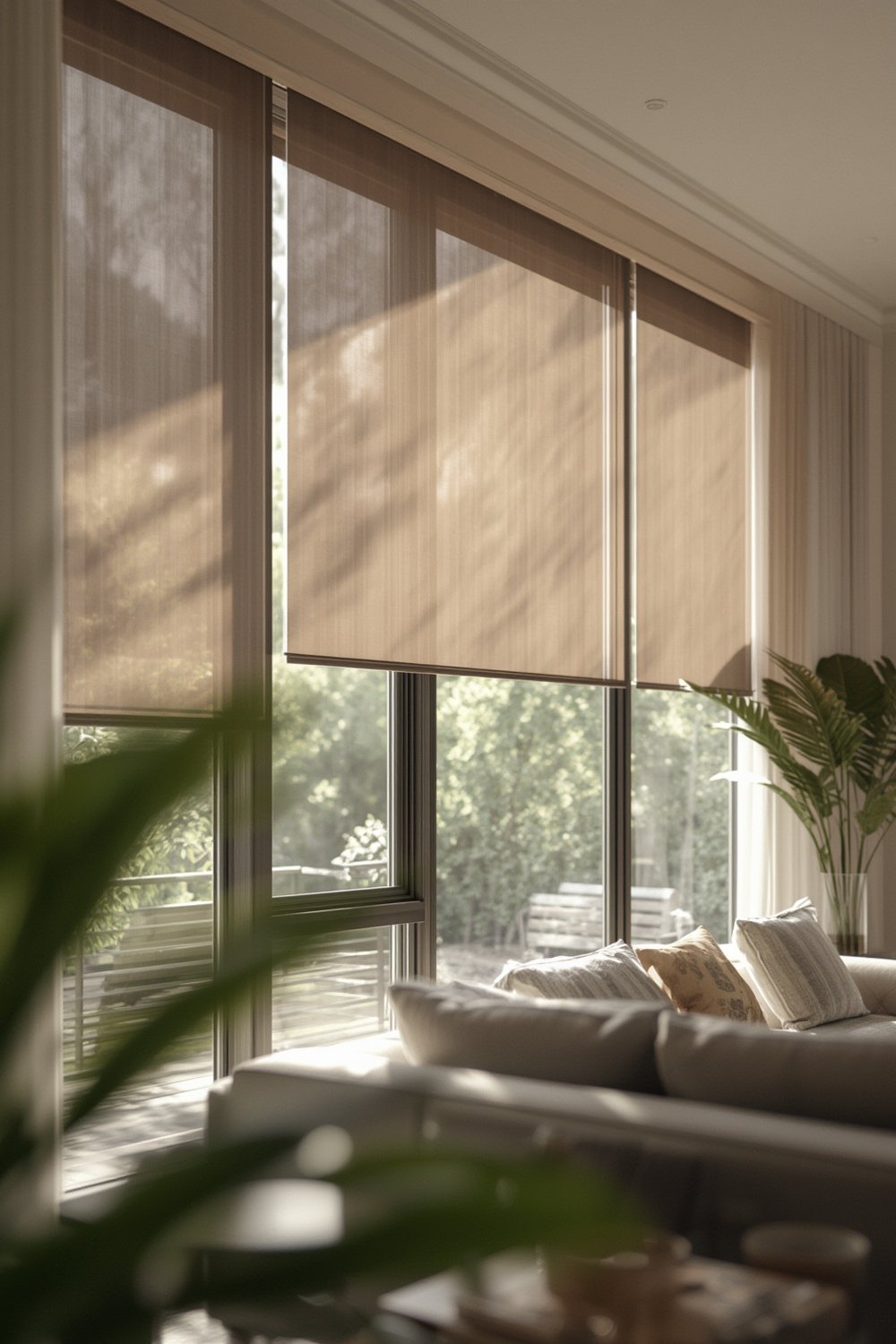
The main advantages of smart window blinds include:
- Convenience: Raise or lower your blinds from anywhere using your phone or voice.
- Energy savings: Blinds can close automatically during peak sunlight or open during winter for passive heating. Premium models boast R-values as high as 4.3, doubling the insulation versus standard window treatments [source].
- Personalization: Create custom scenes or routines tailored to your daily habits—for example, waking up gradually to increasing daylight.
- Security: Schedule blinds to simulate occupancy and connect them to alarm systems or cameras for added safety [source].
Brands such as Lutron offer products that block up to 99% of UV rays, helping to protect furniture and floors from sun damage [source]. With compatibility for major smart home ecosystems, these blinds let you automate and fine-tune routines—ideal for busy, tech-forward households.
Looking for more ideas to upgrade your home affordably before prioritizing smart blinds? Check out how to streamline purchases and project planning in Home Depot and At Home How to Shop Plan and Combine for Better Results.
How to Choose and Install Smart Window Blinds
Upgrading to smart window blinds is straightforward if you follow a plan. Here’s how to tackle the process for the best fit and least hassle:
- Assess Your Needs & Budget
List must-have features such as remote control, voice activation, scheduling, or integration with platforms like Alexa, Google Home, or Apple HomeKit. Set a total budget, as prices vary widely based on material, motor type, and connectivity. - Compare Brands and Features
Review brands like Lutron for proven reliability and UV protection. If possible, check price comparisons (missing in many competitor articles). Look for extended support and warranty options, and be sure to read user reviews for honest feedback. - Check Compatibility
Ensure your chosen smart blinds will integrate with your smart home system. Look for information about app setup, supported assistants, and supported triggers or sensors on product pages. - Order and Prepare for Installation
Order blinds tailored to your exact window measurements. Confirm if the product is DIY-friendly or if professional installation is required—this is especially important for large or hardwired units. - Install and Connect
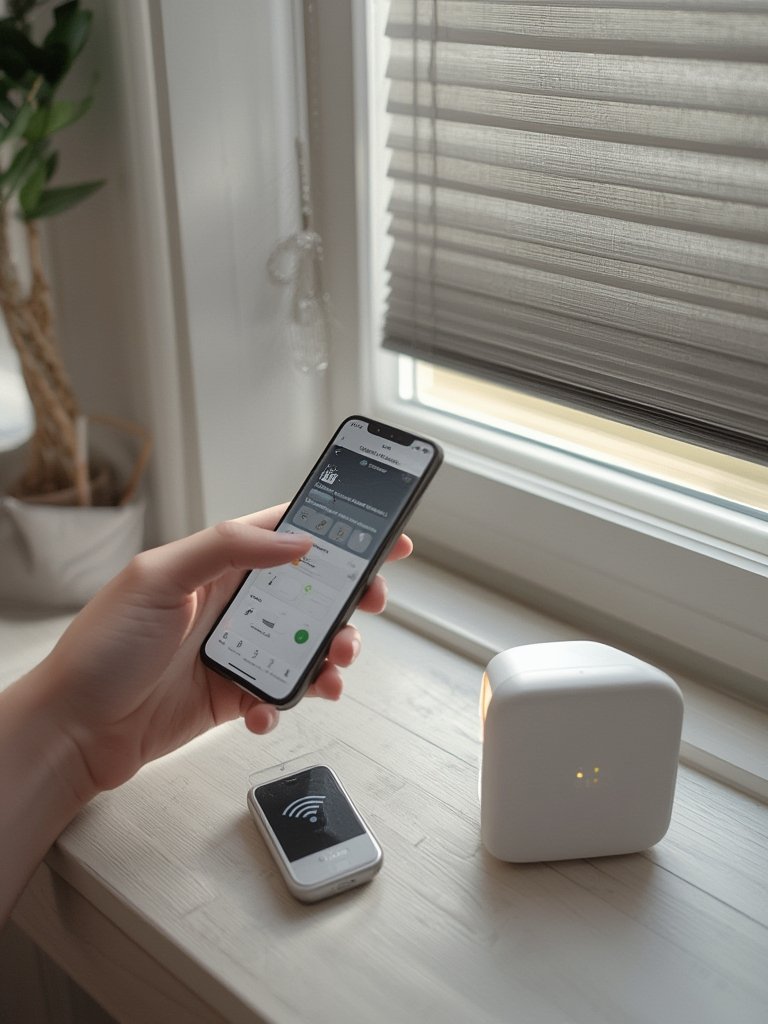
Follow the manufacturer’s step-by-step installation guide. Most app-based blinds require simple Wi-Fi or Bluetooth pairing. For hardwired motorized blinds, hire a qualified electrician for safety. - Test, Automate, and Optimize
Once installed, run test commands from the app, remote, and your voice assistant. Set up automated routines (e.g., “Hey Google, good night” lowers all blinds) and fine-tune schedules as you go [source].
If you want your smart blinds to blend with new furniture, check out real-world shopping tips in Smart Tips for Choosing Between Ashley Furniture and Bob’s Near Me and boost both functionality and style.
And if you have pets or young kids, make sure all remotes and control devices are mounted or stored safely, since they can be a choking hazard [source]. For more on creating safer interiors for pets, see Healthy Pet-Ready Living Guide.
Advanced Analysis and Common Pitfalls
Based on user feedback and market observations, here are the main pitfalls—plus a realistic view of what to expect from your smart window blinds.
- Connectivity Issues: Smart blinds sometimes fail to respond via remote or app. Symptoms include laggy performance, unresponsive commands, or blinds disconnecting from Wi-Fi/Bluetooth. Causes include dead batteries, outdated app/firmware, or loss of range. Solutions require checking batteries, ensuring the hub is close, and keeping software up to date [source].
- Lack of Integration Details: Many products promise “compatibility” but deliver limited setup instructions and uneven connection with platforms like Alexa or Google. Detailed workflows and custom routines can take trial and error.
- Safety Concerns: Remotes can pose choking hazards if left accessible to children. Electrical components should be routinely checked for wiring wear, and installation should always be professional for mains-powered blinds [source].
- Support and Troubleshooting: Brands often lack accessible, transparent support. Common troubleshooting—like restarting or re-pairing devices—isn’t always enough if there’s a hardware defect or software bug.
- Opaque Pricing and Warranty: Competing articles and product pages rarely display clear pricing or warranty terms, making apples-to-apples comparison tough for homeowners.
| Feature | Smart Blinds | Manual Blinds |
|---|---|---|
| Remote/App Control | Yes | No |
| Energy Savings | Up to 2x better insulation (R-value 4.3) | R-value 2.0 |
| Smart Home Integration | Yes (but setup varies) | No |
| Safety (Children) | Remote is a choking hazard if not secured | Manual cords can also be hazardous |
| Installation Ease | DIY or professional (hardwired) | Typically DIY |
In summary, while smart window blinds add great value in convenience and efficiency, they require careful research and honest expectations. Always verify integration details, ensure installation is safe, and have a plan for ongoing support and maintenance.
Conclusion
When thoughtfully installed, smart window blinds can simplify daily routines, reduce energy costs, and increase the security and comfort of any home. However, it’s crucial to compare features, support, and compatibility before jumping in. Start small—test a single room before committing to a whole-home upgrade. Whether you’re optimizing a connected smart home or just want protection from harsh sunlight, smart window blinds will future-proof your windows and lifestyle. For more home improvement best practices and smart shopping guidance, explore our other guides.
Ready to experience the benefits for yourself? Start researching leading brands today, compare features side by side, and don’t hesitate to consult a pro for complex installs.
FAQ: Smart Window Blinds
Are smart window blinds difficult to install?
Most battery-powered or plug-in models are user-friendly for DIY installation. Hardwired systems generally require a professional electrician for safe setup.
Can smart blinds save on energy bills?
Yes. With higher insulation values (up to R-value 4.3), smart window blinds can reduce energy loss and regulate temperature better than standard blinds, helping lower heating and cooling bills.
What should I do if my blinds stop responding to the app or remote?
Start by checking remote batteries, Wi-Fi/Bluetooth connection, and ensure your app and firmware are up to date. If issues persist, consider re-pairing the device or contacting support.
Do smart blinds work with Alexa, Google Home, or Apple HomeKit?
Many leading brands support compatibility with major smart home platforms. However, integration features, routines, and ease-of-use will vary by brand and ecosystem—always confirm before purchasing.
Are smart window blinds safe for kids and pets?
The blinds themselves are safe if installed correctly, but remotes can pose a choking hazard if left within reach. Mount remotes and follow manufacturer safety tips to minimize risks—more details can be found in our Healthy Pet-Ready Living Guide.